

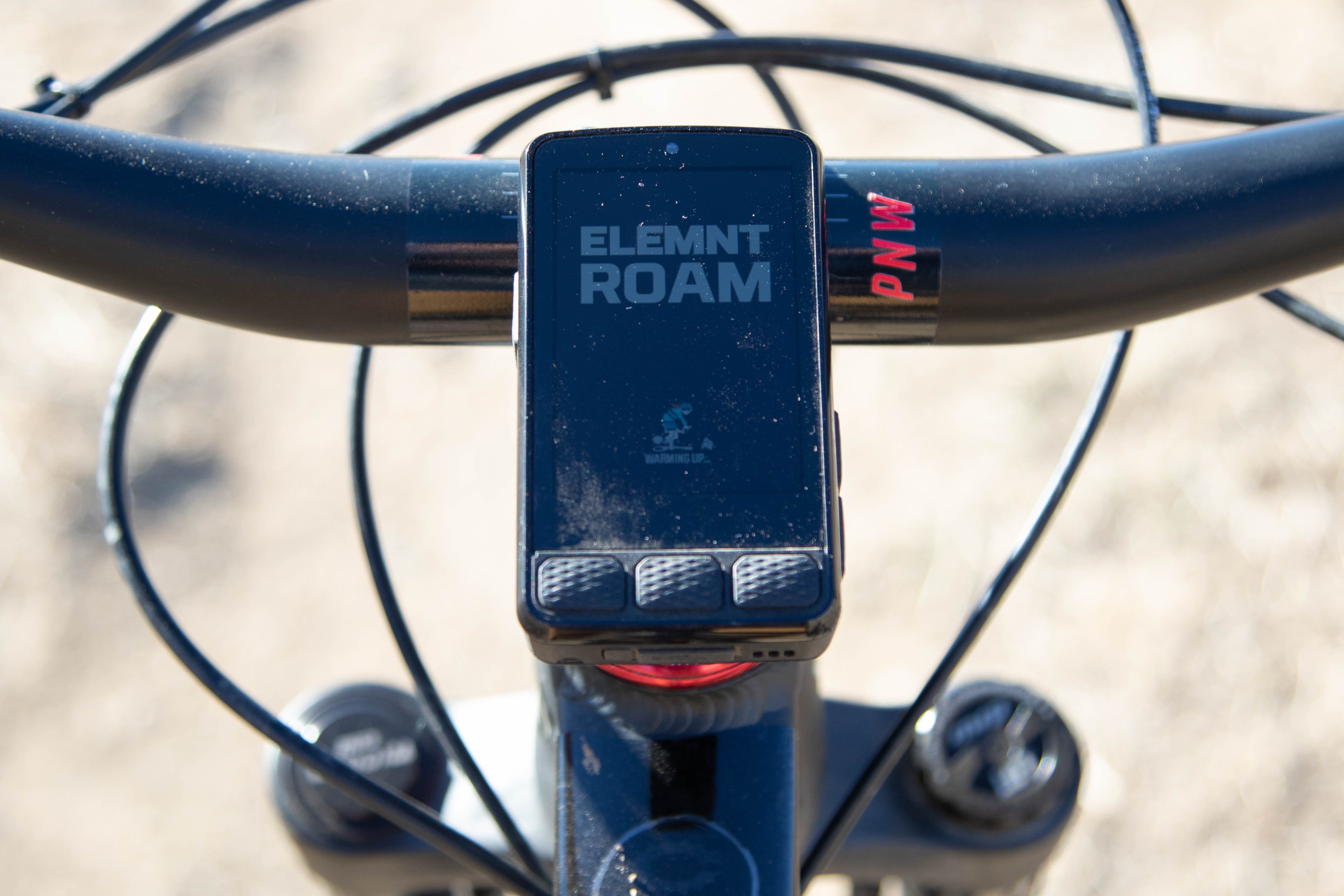
My bike riding friends are squarely divided into two groups: Those who record their rides, and those who don’t. For those who do record, there are even greater subdivisions. Some use a social phone app, like Strava or Ride with GPS, and then there are those who have a dedicated cycling computer, like the Wahoo Elemnt Roam V3 we’re talking about today.
To be honest, I’m a little envious of those who just ride their bike and don’t obsess, much less care about their stats for any given ride, but I like accomplishment stats and knowing the distance and elevation I conquered.
One option for collecting ride data is a free app like Strava, but the data the app collects is limited, especially for free members. Plus, who wants to put their $1,000 smartphone on a bar mount and drain the battery for the sake of some limited cycling data?
Which is why the weatherproof, compact, and intuitive designs of actual GPS computers like the Wahoo are absolutely worth the cost of the unit if you want the benefits and would rather save your phone battery for the more important things in mountain biking — like snagging hero shots and slo-mo vids, and calling for a rescue when you’ve sent it too far.
Wahoo’s latest Elemnt, the Roam V3, packs what we love about GPS units into a faster, brighter, and more intuitive computer that’s ready for all of the unmarked trails out there… as long as you’ve loaded the route.
Wahoo Elemnt Roam key specs
- 2.8″ color touchscreen display
- 6 physical buttons
- 64GB storage capacity
- Price: $465
- Buy from REI
I got an early taste of the Wahoo Elemnt Roam when I tested the first version in the 2019 BC Bike Race. Six years later, it’s apparent there are major improvements. Wahoo followed the Roam up with a second version in late 2022, and this V3 came out in April of last year. That’s a roughly three-year product cycle – somewhere between Playstation and iPhone.
The big distinctions on the V3 over the last version are:
- A 2.8” anti-glare display (up 1/10th of an inch), now with a touch screen and Thin-Film Transistor (TFT) display, which is said to have better resolution and color responsive.
- Dual-band GPS
- Improved map details
- Improved battery life (Up to 25 hours, claimed)
- 64Gb of storage
- ANT+ and Bluetooth connectivity
- Music and device control (e.g. Spotify and/or GoPro) from Elemnt
On the bike
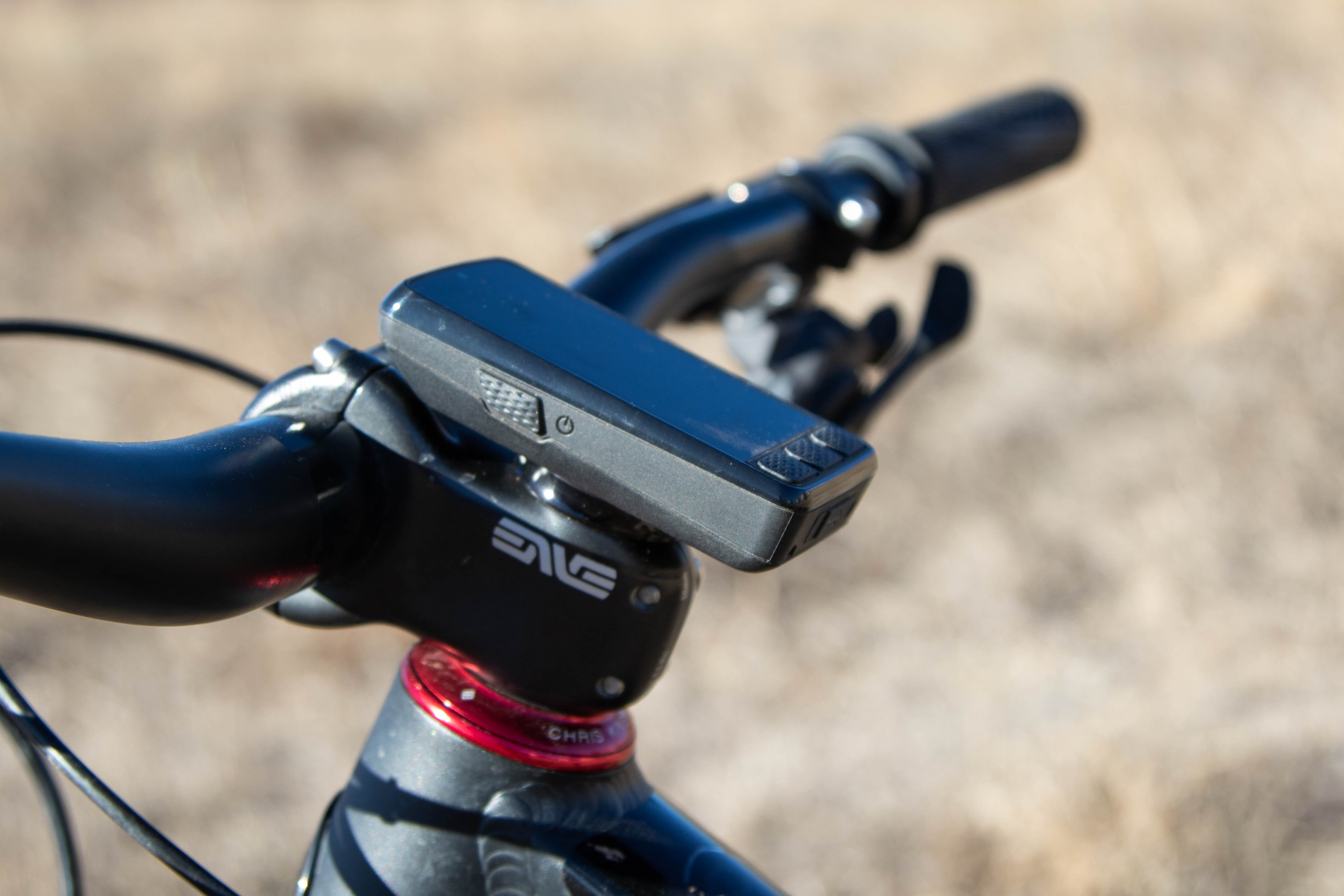
The V1 Elemnt I owned since 2019 finally died this year, after who knows how many thousands of miles logged, and after one too many times being caught in a rainstorm. Eventually, I found out, the adhesive attaching the screen will wear and give way.
This also coincided with a big firmware malfunction that reset my Wahoo’s clock by 20 years and resulted in losing several recorded rides from my device. The true canary in the coal mine was that my unit had grown slow over the past six years and took more time to load and sync, and some of the functions, like route to start, stopped working altogether.
So, by comparison, the V3 came roaring onto my cockpit like a throaty muscle car, as the V1 sputtered off to the trash bin. However, that doesn’t mean we got off to a perfect start.
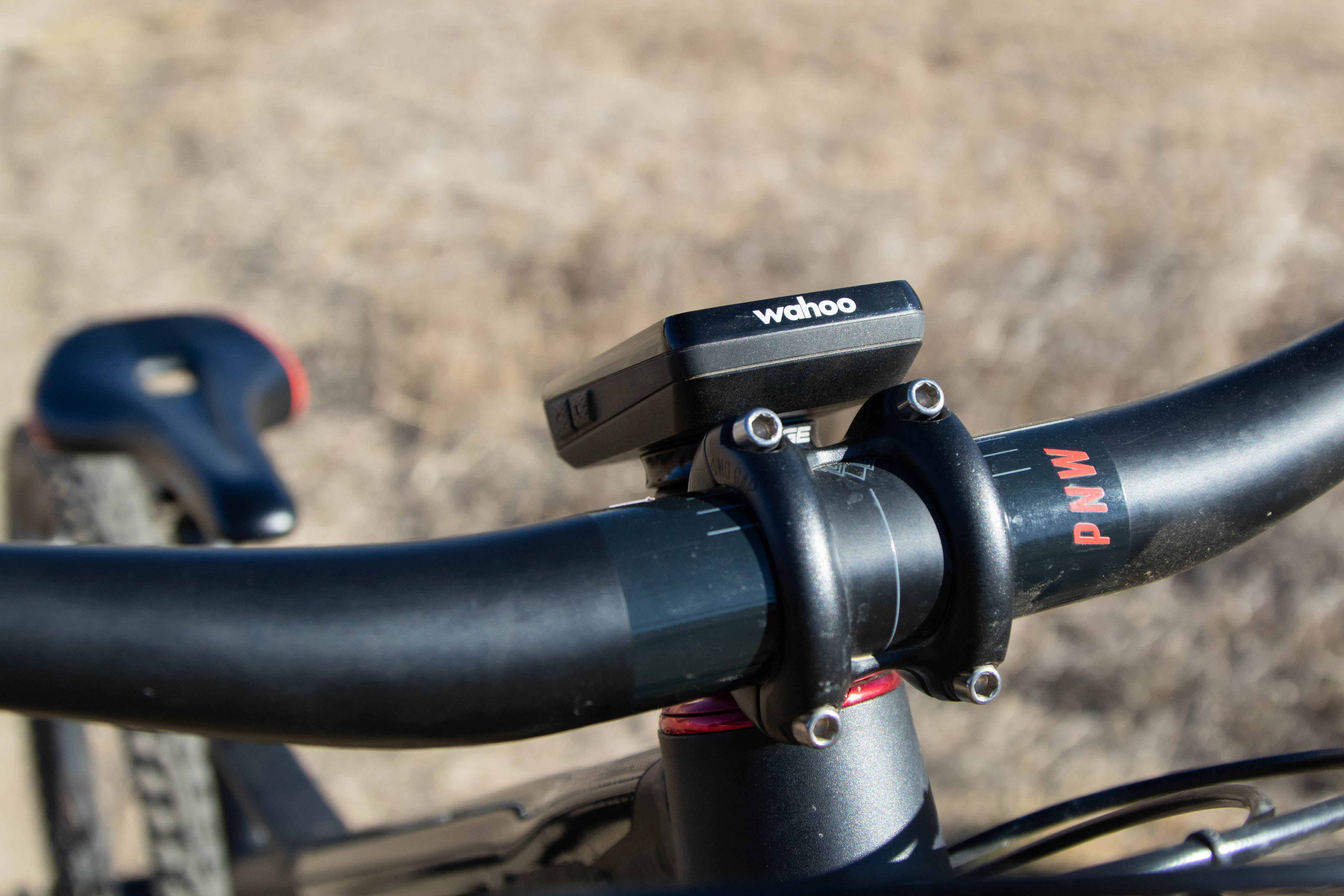
Turning on and setting up the unit requires setting aside an hour or so to connect to Wifi, sync the latest updates, and set it up to your preference. After the initial setup, booting up the unit takes about 30-40 seconds. I try to remember to click it on before I lace my shoes up so that I’m not waiting, tapping my foot on the ground, for the Roam to be ready.
Recording my first ride was flawless, but it took me a few rides to figure out why I couldn’t sync my ride to my phone and share to Strava, unless I was back home connected to Wifi. After I did some searching on the internet, I “forgot” my phone, reconnected, and finally syncing and sharing my rides became instantaneous.
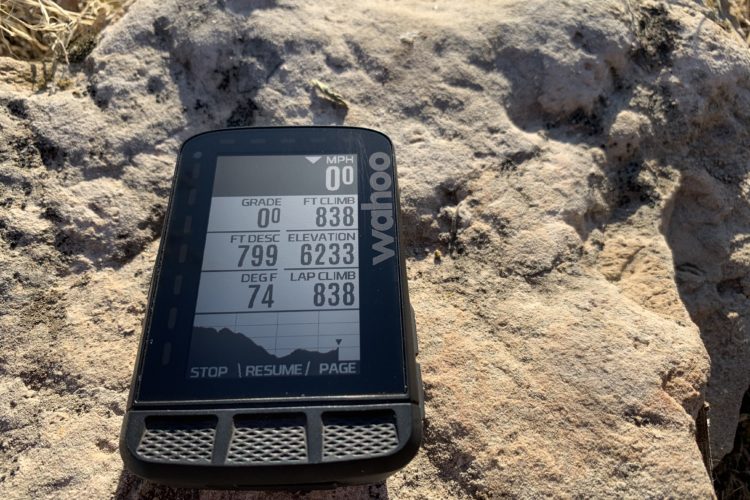
The home screen on the Roam V3 is intuitive, and familiar to my previous Wahoo. Users can create different profiles for their unit, like “mountain biking” or “gravel biking”, or “XC/enduro/etc. Ride” where the home page on the Roam V3 can be customized to include or exclude auto pause, LED alerts, elevation, Spotify, and so on. I don’t think this feature is highly useful, as I think most people will want to see the same info, like speed/distance/elevation, no matter what kind of bike or ride they’re on. But I could be wrong.
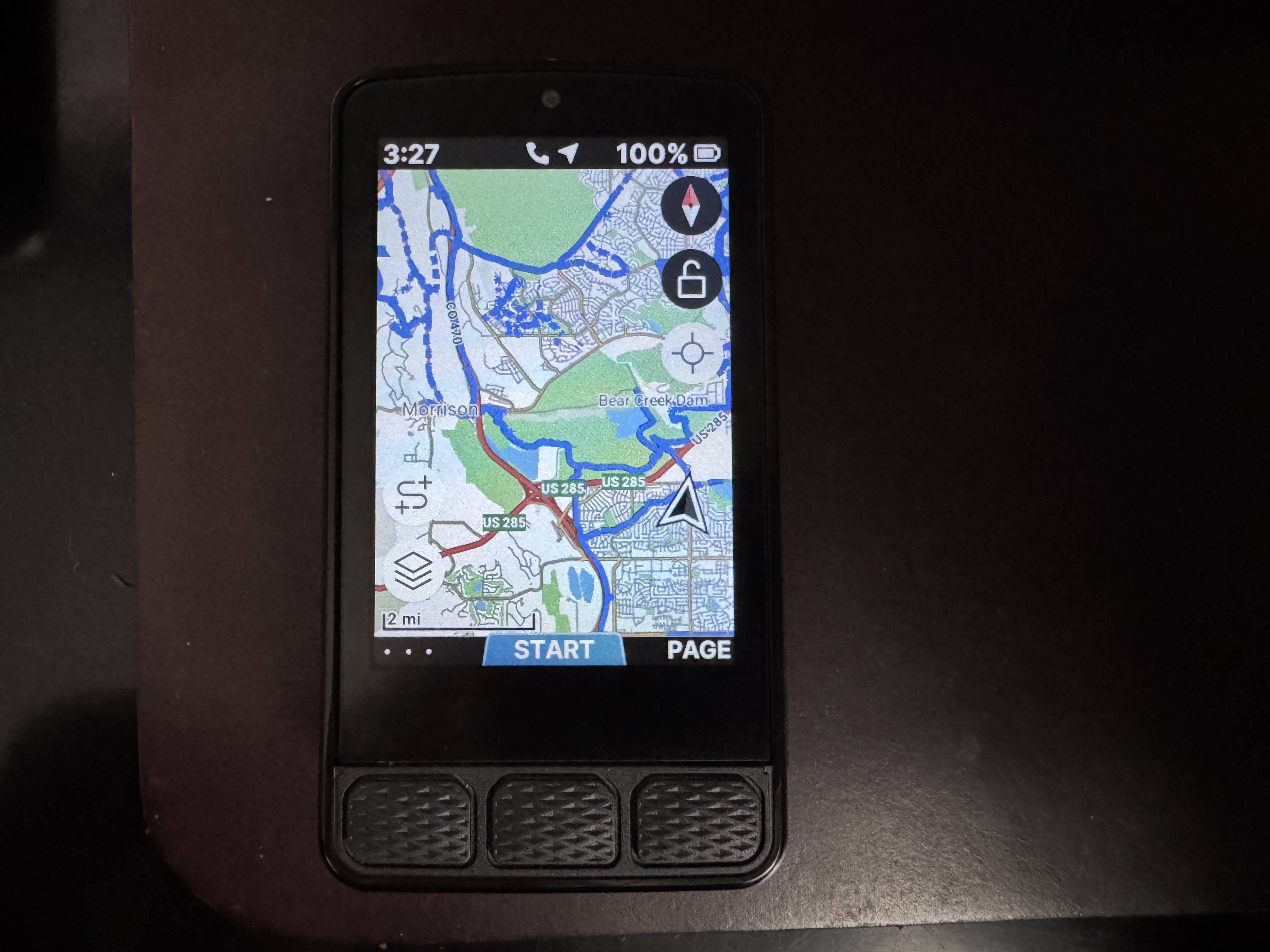
The mapping features and details themselves are highly customizable, and let the rider choose if they want street names, bike paths, and bike lanes displayed, as well as highlighting freeways and singletrack. Tapping the padlock icon on the screen lets the user treat it like a phone screen and pinch to zoom, zoom out, or swipe to explore more of the map. The overall display, color, and detail on the Roam V3 is impressive.
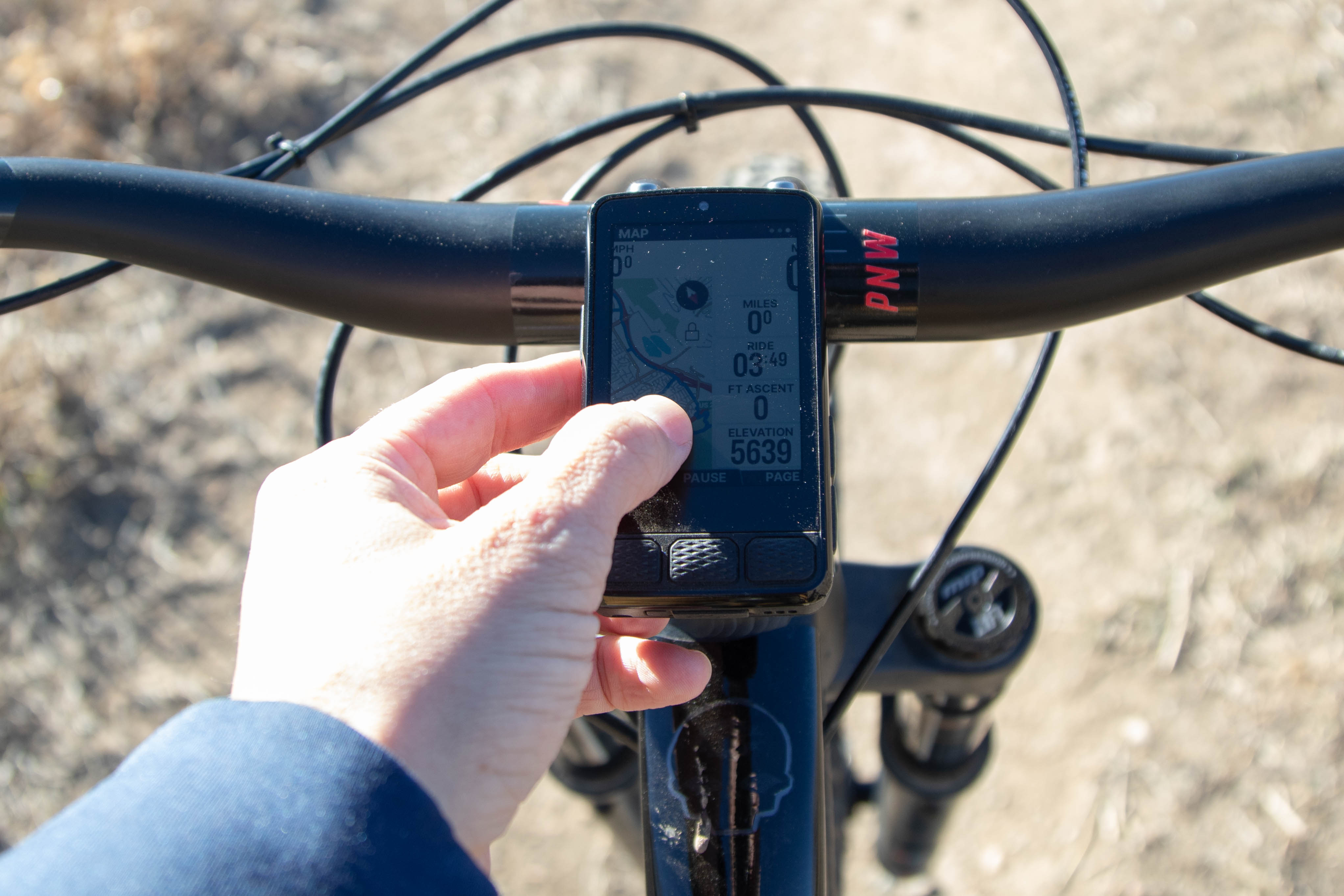
Uploading routes has been a breeze so far. It’s a fairly standard process that can be done from your phone by saving a .gpx file, opening it in the Wahoo app, and then syncing with your unit.
Other familiar features are the fun little “Climb!” alerts signaling you’re at the base of the next ascent and notifications to let you know if your pace is above or below average. However, those come on over the top of the display rather than through the distinctive LED lights as before. The buttons also have a similar layout and protrude with a textured cover for grip. They have a distinct clicky feel when pressed, making it easier to flip through pages mid-ride.
Battery life feels solid with the larger battery. In my first charge of the device I recorded eight rides, with over 13 hours of ride time and over 16 hours of elapsed time before my battery dipped below a 20% charge. By then, I didn’t want to risk it dying out on a ride and charged it again. For most of my riding that feels good, but I could see it causing some anxiety on multi-day bikepacking trips.
Share your Wahoo Elemnt Roam review
Lastly, one of my favorite new features is the digital bell. Press the screen at the middle of the bottom where “resume” is displayed, and a bike bell will ring. I found this out by accident as I swiped my hand across the screen while stopped at the top of a climb, and wondered who was playing a prank on me in the woods.
It’s a fun feature with great volume and realism, but it is hard to use on the trail, especially with the unit mounted on the top tube. It’s totally worth having, but for me is better used on paved bike paths than singletrack.
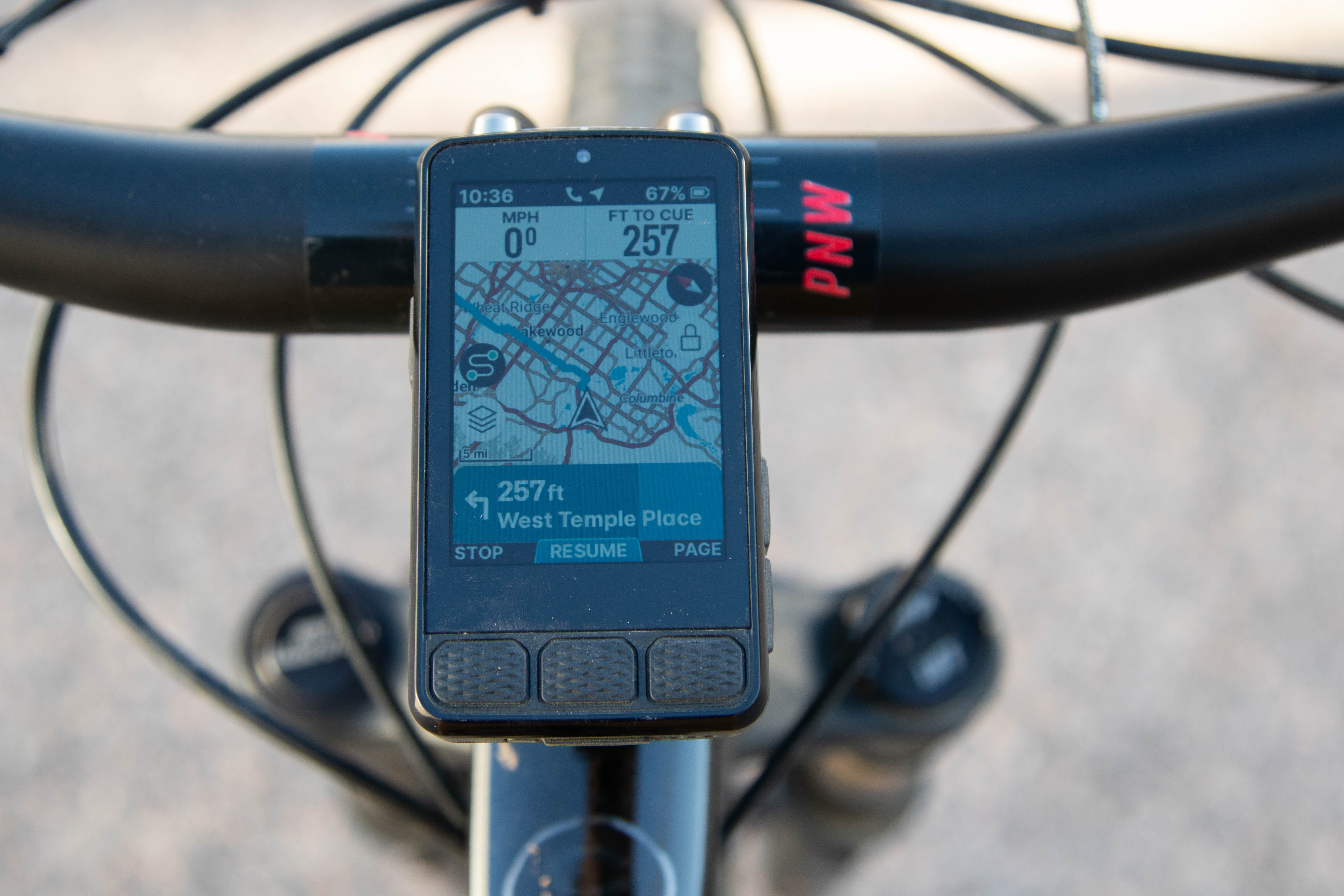
Map reading and navigation
As I mentioned, the detail on the maps, as well as the visibility of the stats display, is impressive. Navigation, with turn-by-turn alerts is useful and fully functional, and it is easy to read and understand the information provided to the rider.
I will say that with the sun to your back, it can be difficult to read information on the screen, especially if you’re using a top tube mount and the computer isn’t set under your chin on a stem or bar mount. This is the case for just one of my bikes, but even on a bar or stem mount, it does seem that the material that makes it easier to use the touchscreen features on the computer also makes it a little more difficult to read in direct sunlight.
The route to start feature, which directs the rider from wherever they are back to their starting point, has worked seamlessly for me. I use this feature if I’m not following an uploaded route and want to try an alternative trail and still make it back home or to the car from wherever I ended up, or if I’m riding an unfamiliar network.
Hiccups
In my experience with a lot of products, from refrigerators to vehicles to bike components, the more features there are, the greater the potential for things to fail or simply not work.
Wahoo added a Spotify control feature on the Roam V3, and I have not had success with it working once. There is a page when you flip through the Roam, and it shows the song playing through your Spotify phone app, and has a play and next/previous song button. This page has always been stuck on the first song playing, and hasn’t changed even though a new song might be on, nor has it allowed me to skip, play, or pause songs from the unit.
This probably isn’t a big deal for mountain bikers. I rarely listen to music on a mountain bike ride, but I do on road and gravel, using the Aleck (open-ear) Punks headphones.
Another, and more annoying issue that has happened a few times as I’ve started the unit before a ride, is that it seems to have crashed upon startup.
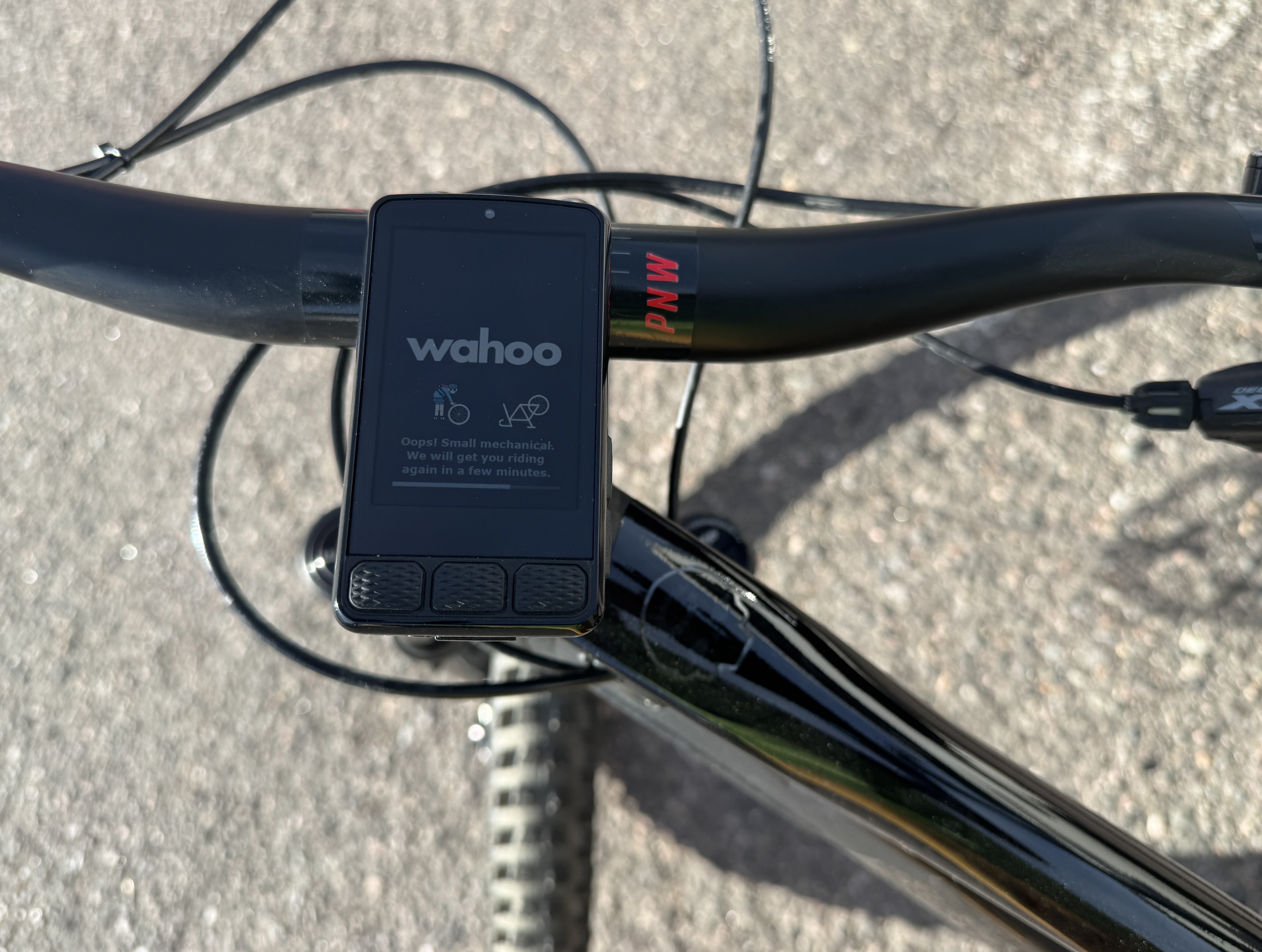
“Ooops! Small mechanical. We will get you riding again in a few minutes.” it says, as a stick figure rider changes a flat tire. Points to Wahoo for the playful message, but it’s annoying to have everything ready, especially when a friend is waiting on you, only for your GPS to be figuring itself out for several minutes.
Pros and cons of Wahoo Elemnt Roam
Pros
- Sharp display with good detail and vibrance
- Reliable, snappy navigation
- Easy to download, sync, and upload routes
- Digital bell feature
- Improved battery life
Cons
- Can be hard to see in direct sunlight
- Some kinks, like occasional “mechanicals”, ride syncing with phone, and device control
Bottom line
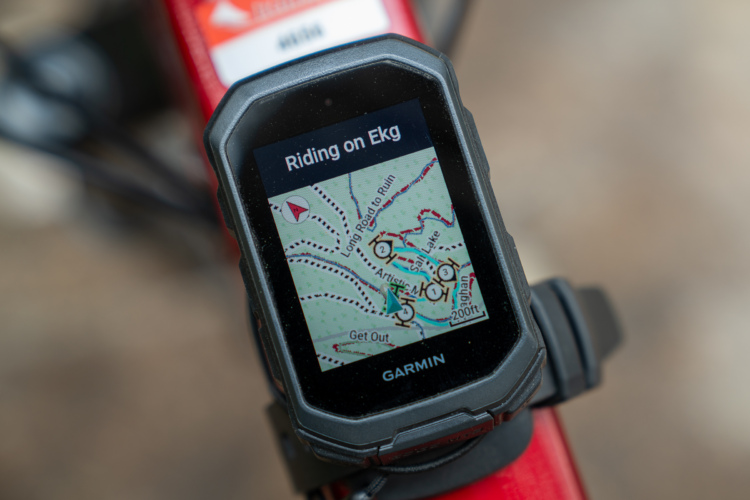
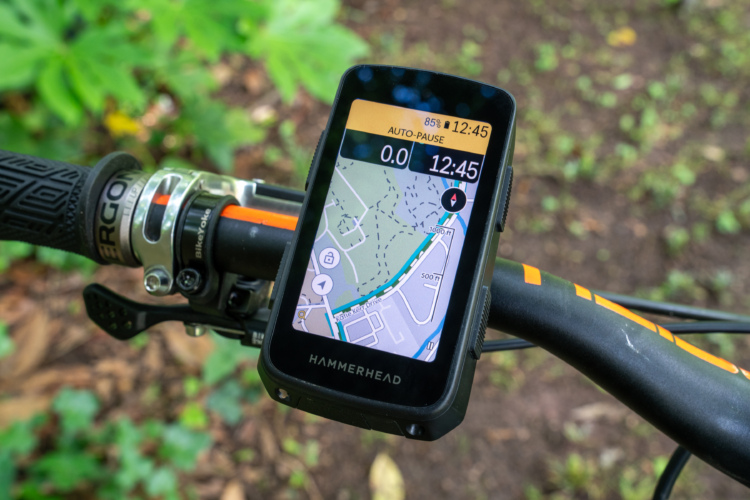
The competition for bike computers is stiff these days with the tried and true brands like Garmin and Wahoo, and relative newcomers like Hammerhead and Coros. Wahoo continues its strong legacy with the third iteration of the Roam here. It’s not perfect and has had its moments during this review, but overall holds itself high as a premium bike computer option with reliable navigation, great user friendliness, and a strong display.
Keep up with the latest mountain bike news by adding Singletracks as a preferred source on Google.



4 Comments
Jan 12, 2026
Jan 12, 2026
Jan 11, 2026
Jan 11, 2026